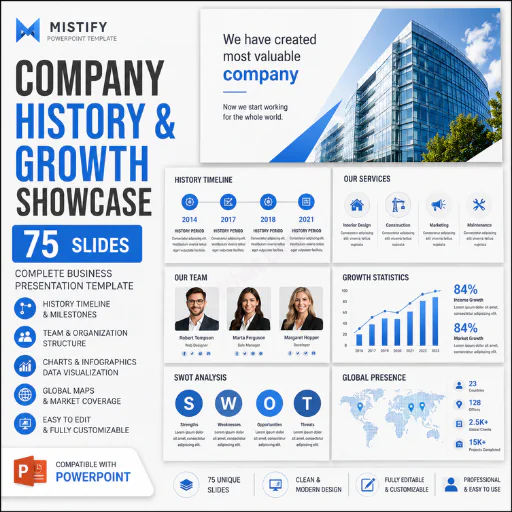




Tell your company's story with structure, credibility and visual impact using this 75-slide Company History & Growth Showcase PowerPoint Template.
A company's history is more than a list of dates. It explains where the business started, how it developed, what it has achieved, what it offers today and where it intends to go next. This presentation is designed to help businesses communicate that complete story through a professionally structured PowerPoint deck containing company introduction layouts, welcome slides, agendas, vision, history timelines, team profiles, services, portfolio showcases, SWOT analysis, project information, pricing layouts, organizational structures, process diagrams, data visualizations, maps and closing/contact slides.
The supplied presentation contains 75 slides covering a broad range of corporate presentation formats. The deck moves from introductory company storytelling and history sections into services, portfolio, projects, pricing, team structure, business analysis, infographics, geographic maps and closing/contact layouts.
This makes it useful not only as a traditional company profile presentation but also as a flexible business showcase, corporate presentation, growth story, investor-facing company overview, agency profile or strategic business deck.
The presentation uses a professional visual system with dark backgrounds, white typography and blue/light-blue graphic elements across many of its data and infographic layouts. Several slides use large visual areas, icons, charts, timelines, maps and image placeholders, creating a modern corporate presentation style that can be adapted to different industries.
What This Company History Presentation Helps You Communicate
A strong company presentation should answer several important questions:
This 75-slide template provides layouts that can help organize those answers into a coherent visual presentation.
The early slides introduce the company and its positioning, followed by welcome messaging, an agenda, vision, offers and team-related content. The middle section includes history timelines, services, portfolio, projects, pricing, key features, organizational structures and process layouts. Later slides introduce charts, infographics and geographic map layouts covering countries and regions including Germany, France, England, Australia, China, Spain, Africa, Canada, North America, Italy, Switzerland, Mexico, Emirates and Europe.
That range gives you considerable flexibility when building a company history or growth showcase.
Why Use a Company History & Growth Presentation?
Many businesses have plenty of information but struggle to present it logically.
A company may have years of achievements, multiple services, several departments, important projects, market expansion and a growing team. Putting all of that information into a simple document often produces a presentation that feels crowded and difficult to follow.
A structured PowerPoint template solves part of that problem by giving you predefined visual layouts for different types of information.
Instead of creating every slide from scratch, you can select the layouts that match your story and replace the placeholder content with your company's information.
For example, the history section can be used to show important milestones. The team slides can introduce leadership and employees. The service slides can explain your core offerings. The portfolio layouts can showcase completed work. The SWOT layouts can communicate strategic analysis. Charts and infographics can turn numerical information into easier-to-understand visuals.
The result can be a more organized and professional company presentation without requiring you to design every page manually.
Key Features1. 75 Professional PowerPoint Slides
The presentation contains 75 slides, providing a large selection of layouts for building a comprehensive company showcase.
2. Company Introduction Slides
Introduce your organization, establish context and create a professional opening for your presentation.
3. Welcome Message Layouts
The deck includes welcome-message slides that can be customized for clients, partners, investors, employees or other audiences.
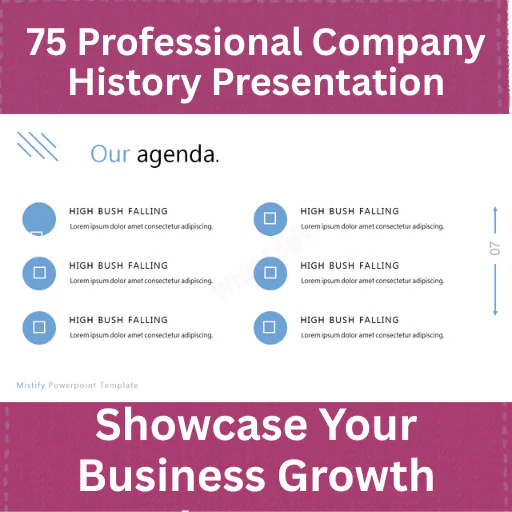
4. Company Agenda Slides
Use agenda layouts to provide a clear roadmap of the topics covered in your presentation.
5. Company Vision Layout
Present your long-term direction and communicate where your organization wants to go.
6. Company History Timeline
Multiple history timeline layouts can be used to visualize important business milestones and stages of development.
7. Growth Storytelling
The combination of timelines, statistics, charts and geographic layouts can help communicate how the company has developed over time.
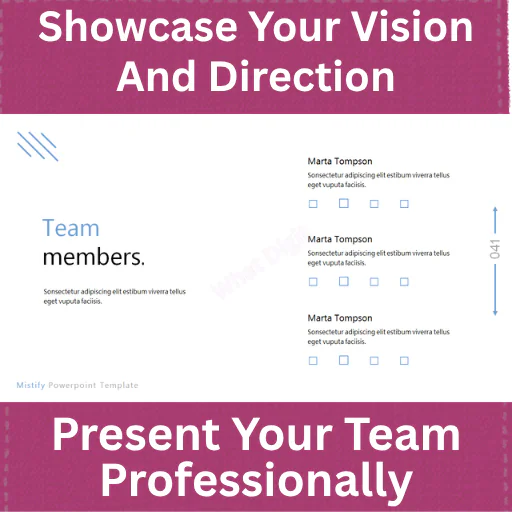
8. Team Member Slides
Introduce executives, managers, designers, developers, specialists and other members of your organization.
9. Organizational Structure
The structure-map slide provides a hierarchy that can be adapted to show relationships between leadership, management and departments.
10. Team Profile Layouts
Use dedicated profile layouts to present individual team members and their roles.
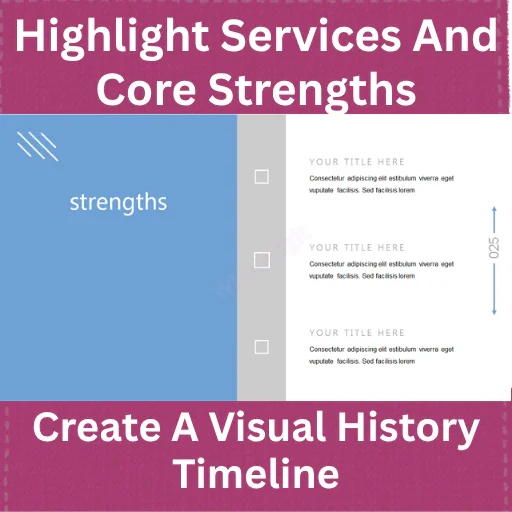
11. Services Presentation
The template contains service layouts covering examples such as interior design, construction, marketing and maintenance. These are placeholders and can be replaced with your own services.
12. Portfolio Showcase
Present selected projects, products, creative work or client assignments using portfolio-focused layouts.
13. Project Presentation
Dedicated project layouts allow you to explain project information, development stages, features and deliverables.
14. Pricing Tables
The deck includes pricing-table layouts with multiple package structures that can be adapted to your own pricing model.
15. SWOT Analysis
Dedicated slides cover Strengths, Weaknesses, Opportunities and Threats, allowing you to create a strategic business analysis section.
16. Key Feature Slides
Highlight important capabilities, products, services or business differentiators.
17. Process Diagrams
Visualize workflows through numbered process steps and supporting icons.
18. Project Tables
Use structured table layouts for project comparisons, metrics, categories or other business information.
19. Business Infographics
The presentation contains multiple infographic layouts using charts, circular diagrams, bar charts and other visual structures.
20. Data Visualization
Charts can be adapted to display income forecasts, competitor information, performance metrics, market data or internal business statistics.
21. Geographic Map Slides
The deck includes multiple country and regional map layouts, making it useful for showing geographic presence, expansion, market coverage or international operations.
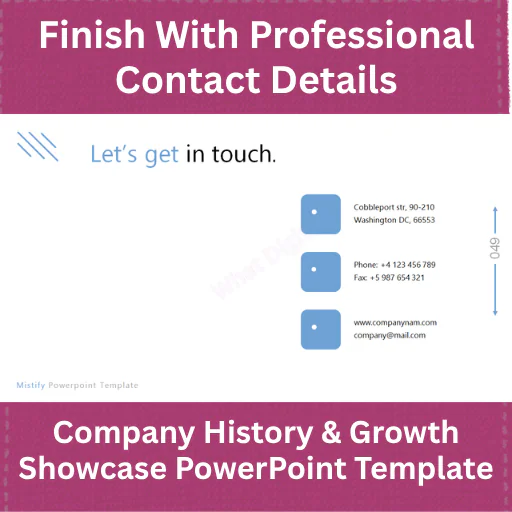
22. Contact Slide
Finish the presentation with a dedicated contact-information layout.
23. Closing Slide
A final thank-you/end slide provides a professional way to conclude the presentation.
What's Included
This product includes:
The presentation itself shows placeholder content and sample layouts, so you should replace the sample company names, dummy text, statistics, contact information, images and other placeholders with your own information before publishing or presenting it.
Who Should Use This Template?
This presentation can work particularly well for:
Established Companies
Use it to document company history, milestones, growth, services, projects, team structure and market presence.
Startups
Create a professional company story showing the business concept, development journey, services, team and future direction.
Entrepreneurs & Founders
Use the presentation when introducing a business to potential clients, partners, investors or stakeholders.
Marketing Agencies
Adapt the portfolio, service, process, project and team slides to create an agency presentation.
Consulting Companies
Use the strategic analysis, process, service, portfolio and data layouts for consulting presentations.
Construction & Architecture Businesses
The supplied template already contains example content related to architecture, construction, interior design, electricity and maintenance, making these layouts particularly adaptable to those industries.
Technology Companies
Use the product, project, team, process, data and growth layouts for technology-company presentations.
Sales Teams
Build corporate sales presentations, capability decks, company overviews and client-facing presentations.
Business Development Teams
Use the company history, services, portfolio, geographic presence and growth sections when presenting partnership opportunities.
Corporate Communications Teams
Create internal or external corporate presentations using consistent layouts.
Professional Use Cases
This template can be adapted for:
Example: How a Company Could Use It
Imagine a company that has operated for ten years and wants to present its development to potential business partners.
Instead of presenting ten pages of text, the company could build a visual story.
The opening slides introduce the organization and establish its purpose. The history timeline then presents major milestones from the company's early stage through later development.
The team section introduces leadership and key employees. Service layouts explain the company's major offerings. Portfolio slides show important projects. A SWOT section explains the organization's strategic position.
Charts can then communicate revenue trends, forecasts, competitor comparisons or other business metrics. Geographic map slides can illustrate expansion into different markets. Finally, the contact slide provides the next step for the audience.
This creates a narrative:
Origin → Development → Team → Services → Projects → Performance → Market → Future → Contact
That structure is far more useful than simply placing company information into a collection of unrelated slides.
Benefits
Customization Potential
The biggest practical advantage of a large slide collection is flexibility.
You do not need to use all 75 slides.
A company history presentation might use 15–25 slides, while a comprehensive corporate profile might use 30–40. A large organization could potentially use even more.
For example:
Short Company Profile:
Introduction → Vision → History → Services → Team → Portfolio → Contact
Growth Presentation:
Introduction → History Timeline → Statistics → Projects → Data → Market Expansion → Future Direction
Investor/Stakeholder Presentation:
Introduction → Vision → Growth → Market → Competitors → SWOT → Projects → Forecast → Team → Contact
Agency Presentation:
Welcome → About → Services → Process → Portfolio → Team → Pricing → Contact
This makes the product more useful than a narrowly designed presentation that supports only one type of business story.
Data & Infographic Slides
The latter portion of the deck contains several visual data layouts.
These include bar charts, line charts, circular infographic graphics, percentage-style diagrams and other visual structures. The sample content references areas such as income forecasts, competitors, sales prediction, development, maintenance and applications.
These slides can be repurposed for:
The sample numbers should be replaced with your actual business data.
Global Business & Market Expansion Slides
One distinctive feature of this presentation is its collection of geographic map slides.
The supplied file includes map layouts for Germany, France, England, Australia, China, Spain, Africa, Canada, North America, Italy, Switzerland, Mexico, Emirates and Europe, followed by a final United States reference.
These layouts can be useful for companies that want to communicate:
You can replace the placeholder information with your own geographic data and business narrative.
Important Notes
Frequently Asked Questions-
1. What is the Company History & Growth Showcase PowerPoint Template?
It is a 75-slide PowerPoint template designed for presenting company history, business growth, services, team information, projects, portfolio, strategic analysis, data, geographic expansion and corporate information.
2. How many slides are included?
The supplied presentation contains 75 slides.
3. Is this a PowerPoint template?
Yes. The source file is a PowerPoint presentation template.
4. Can I customize the company history slides?
Yes. The history timeline layouts are designed to be adapted with your own company milestones, dates and achievements.
5. Can startups use this presentation?
Yes. Startups can use the layouts for company introduction, vision, team, services, projects, growth and future plans.
6. Can established companies use it?
Yes. The large selection of layouts makes it suitable for established businesses documenting their history, growth, services and market presence.
7. Does it include SWOT analysis slides?
Yes. The presentation includes dedicated Strengths, Weaknesses, Opportunities and Threats layouts.
8. Does it include timeline slides?
Yes. Several slides are specifically structured around company history timelines.
9. Does it include team presentation slides?
Yes. The deck includes team members, team profiles and organizational structure layouts.
10. Can I showcase my company's services?
Yes. The template contains dedicated services layouts that can be customized with your own offerings.
11. Does it include portfolio slides?
Yes. Portfolio showcase and individual portfolio/project layouts are included.
12. Can I present business data?
Yes. The deck includes charts and infographic layouts that can be adapted for business statistics and performance information.
13. Does it include pricing tables?
Yes. Pricing-table layouts with multiple package structures are included.
14. Can I use the map slides for global expansion?
Yes. The map layouts can be adapted to communicate geographic presence, expansion and market coverage.
15. Is this suitable for a company profile?
Yes. Company introduction, history, vision, services, team, portfolio, projects and contact layouts make it suitable for building a company profile.
16. Can I use only selected slides?
Yes. You can select the layouts that are relevant to your presentation rather than using all 75 slides.
17. Can the presentation be used for a sales pitch?
Yes. Services, portfolio, projects, pricing, features and company information can be combined into a sales-oriented presentation.
18. Is this suitable for consulting businesses?
Yes. Consulting businesses can adapt the strategic, process, data, service, project and SWOT layouts.
19. Does the template contain sample content?
Yes. The source presentation contains placeholder text, sample company information, sample statistics and example labels. These should be replaced with your own content.
20. Who is this presentation best suited for?
It is best suited for businesses, startups, founders, agencies, consultants, marketing teams, sales professionals, corporate teams and organizations that need a comprehensive company history and growth presentation.

This item was featured on What Digit
Published:
Aug 29, 2026 09:35 PM
Category:
Tags: