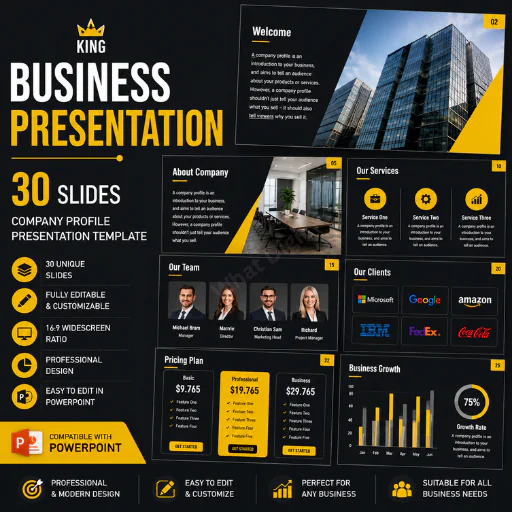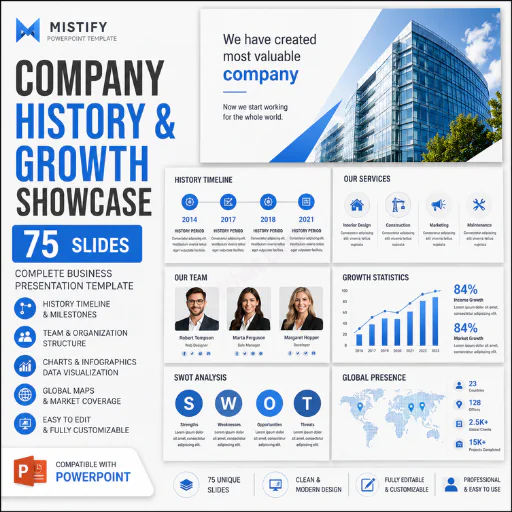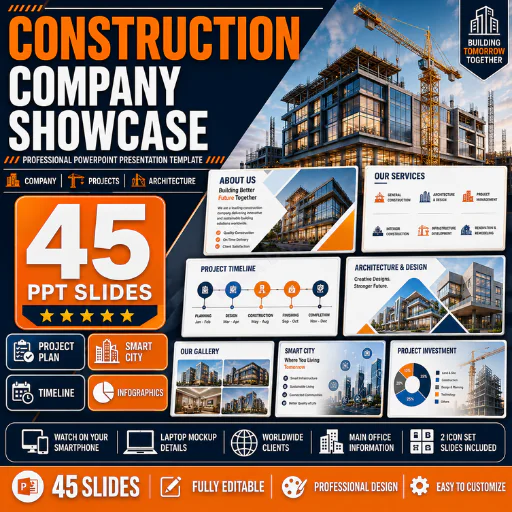




Construction Company Showcase PowerPoint Template – 45 Professional Slides
Present your construction business, architectural projects, company capabilities, services, team, investment plans, and completed work with this professional Construction Company Showcase PowerPoint Template featuring 45 presentation slides.
This presentation is designed for construction companies, architecture firms, contractors, property developers, engineering businesses, smart-city projects, real estate developers, and infrastructure companies that need a visually structured way to showcase their business and projects.
The deck combines traditional company-profile slides with construction-specific presentation content, including project planning, architecture and design, layout plans, project goals, investment, project timelines, galleries, smart-city concepts, maps, infographics, device mockups, team profiles, and icon resources.
Instead of building a large construction presentation from scratch, customize the existing PowerPoint slides with your company branding, photographs, project information, financial data, services, team members, and portfolio.
45 CONSTRUCTION PRESENTATION SLIDES
The presentation includes a broad range of layouts for building a complete construction company story.
Introduction & Welcome
Create a strong opening for your presentation using dedicated introduction and welcome slides.
Customize them with:
A strong opening helps establish the company's visual identity before moving into detailed information.
About Us
Introduce your construction or architecture company professionally.
Explain:
This section is useful when presenting to prospective clients, partners, investors, suppliers, or stakeholders.
Our Business
Give audiences a clear overview of the organization and its core operations.
Use these layouts to communicate:
Mission & Vision
Dedicated slides help communicate your company's purpose and future direction.
Our Mission
Explain what the company aims to accomplish for its clients and stakeholders.
Our Vision
Present the organization's long-term ambitions, growth direction, and development objectives.
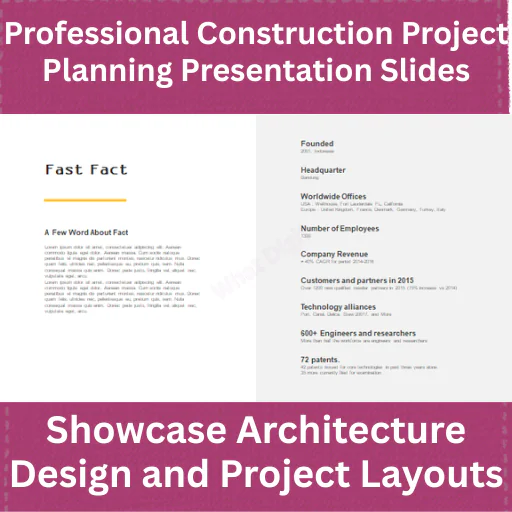
Fun Facts & Fast Facts
Turn important company information into easy-to-understand visual highlights.
Show statistics such as:
Only use accurate and verifiable company figures.
Why Choose Us
Explain what differentiates your construction business.
Highlight strengths such as:
This is an important sales-focused section of the presentation.
Worldwide Clients
Showcase the company's geographical reach and customer relationships.
The layout can be customized for:
Our Services
Present your construction services clearly and professionally.
Depending on your company, customize these slides for:
Project Plan
Explain how a construction project will be approached.
A typical workflow might include:
Research → Planning → Design → Construction → Testing → Delivery
Customize the stages according to your actual project methodology.
Project Goals
Clearly communicate what a proposed project aims to achieve.
Possible areas include:
Layout Plan
Use the layout-plan section to present project organization and development concepts.
It can support:
Architecture & Design
Present the visual and design side of your project.
Use these slides for:
High-quality project photography or architectural renders can make this section particularly effective.
Connecting to the Outside World
Use this section to explain how the development connects with its wider environment.
Depending on the project, this could include:
Construction Project Gallery
Showcase your best work using image-focused gallery layouts.
Present:
For construction products, portfolio photography is far more persuasive than filling every slide with text.
Meet the Team
Introduce the professionals behind the company.
Show:
Meet Our CEO
A dedicated leadership slide can introduce the company's CEO or founder with:
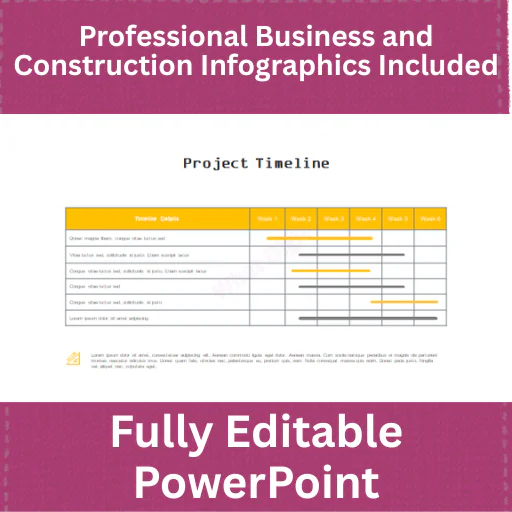
Project Timeline
Visualize the complete project schedule.
For example:
Planning → Design → Preparation → Construction → Finishing → Completion
Use timeline slides to communicate important milestones and expected delivery stages.
Project Investment
Present project-related financial information visually.
Customize the section for:
All sample financial figures should be replaced with actual verified project data.
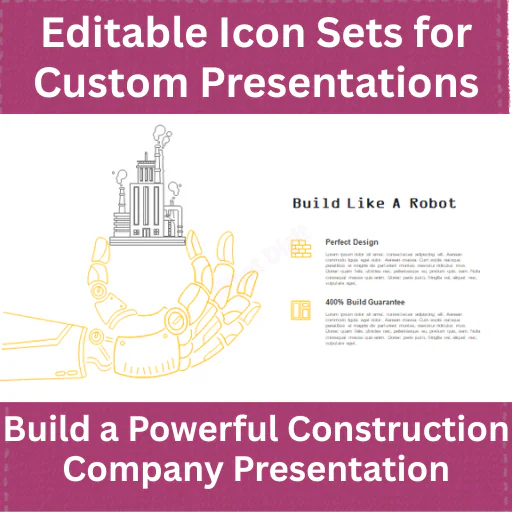
Build Like a Robot
This is a distinctive section that can be adapted around construction automation, robotics, modern building technology, or automated construction processes.
Rather than marketing the phrase literally without explanation, position it as a technology-focused construction slide.
Possible content:
Business Infographics
The presentation contains infographic layouts that can simplify complex information.
Use them for:
Bar Infographics
Use bar-style visualizations for comparing:
Map Infographics
Present geographical information visually.
Useful for:
Smartphone Mockup
Show digital construction services or project information inside a smartphone display.
Useful for showcasing:
Smart City Presentation
The included Smart City section gives this deck additional value for modern infrastructure and property-development projects.
Use it to present concepts related to:
Laptop Mockup
Laptop mockup slides can showcase:
This is particularly useful for modern construction companies offering technology-enabled services.
Main Office
Showcase your headquarters or principal office.
Include:
ICON SET SLIDES
The presentation includes 2 icon-set slides, giving buyers additional visual elements for customizing the presentation.
Icons can be reused for:
FULLY EDITABLE POWERPOINT
Customize the presentation according to your company's identity.
Users can modify:
BEST FOR
This PowerPoint template is suitable for:
EXAMPLE USE CASE
Suppose a construction company is preparing a presentation for a major prospective client.
The company can begin with its introduction and business profile, explain its mission and vision, show company facts and worldwide clients, present its construction services, outline the proposed project plan and goals, demonstrate architecture and layout concepts, introduce its project team and CEO, present the timeline and investment requirements, and finish by showcasing previous construction projects.
Smart-city, smartphone, laptop, infographic, and map slides can then be used to communicate the technology and geographical aspects of the project.
The result is a complete company + project + portfolio presentation, rather than a basic construction company profile.
KEY PRODUCT FEATURES
45 Professional PowerPoint Slides
A substantial construction-focused presentation collection.
Company Profile Layouts
Introduce your company, mission, vision, business, and services.
Construction Project Planning
Present project goals, layouts, timelines, and execution plans.
Architecture & Design Slides
Showcase design concepts and construction projects.
Project Investment Slides
Present investment and project-related financial information.
Smart City Content
Communicate modern urban development and technology concepts.
Device Mockups
Showcase digital projects using smartphone and laptop layouts.
Infographic Resources
Visualize business and project information more clearly.
Portfolio & Gallery Slides
Show completed and ongoing construction projects professionally.
FILES INCLUDED
The package includes:
IMPORTANT NOTES
This is a digital PowerPoint presentation template. No physical product or construction service is included.
Sample project costs, investment figures, timelines, company statistics, clients, maps, team members, photographs, project claims, and other demonstration information should be replaced with the buyer's own verified data.
Third-party photographs, fonts, icons, or other resources should only be distributed with the product when their licenses permit redistribution.
Our Other Power Point Presentations
Construction Project Proposal PowerPoint Template – 90 Professional PPT Slides + 1000+ Editable Icon
Corporate Company Profile PowerPoint Template – 39 Energetic Business Slides + 400+ Editable Icons
Cosmetics Company Profile PowerPoint Template – Beauty Brand Pitch Deck
Published:
Jul 29, 2026 11:23 AM
Category:
Tags: